Compress Images to a Custom Size
Shrink many images at once. Set quality, size limits or a target file size in KB or MB.
How to use Compress & Resize Images
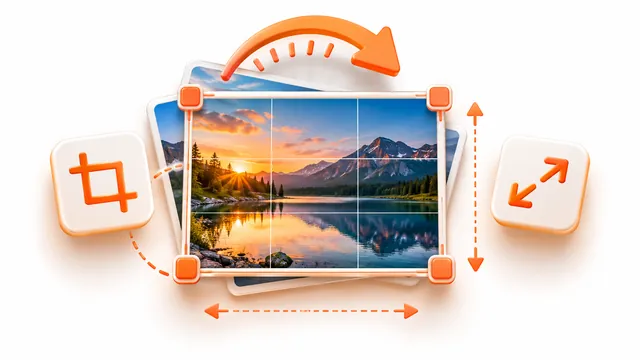
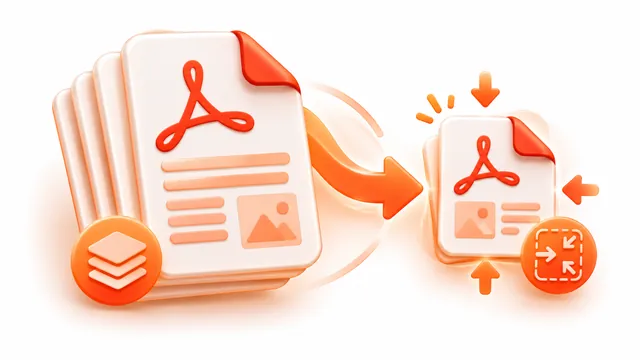
Make photos small enough for forms, emails and websites. Choose a quality level, limit the longest side, or simply type the size you need, for example 200 KB, and the tool lowers the quality until each image fits.
- Add one or many images.
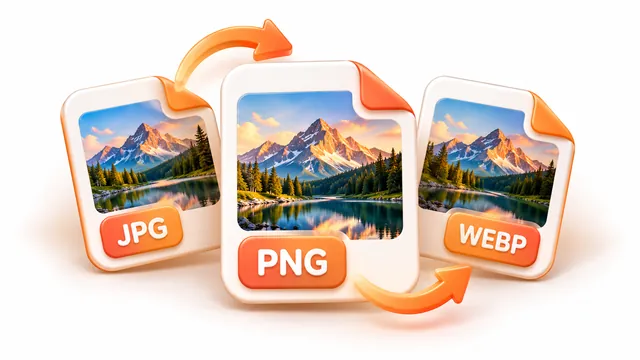
- Choose how to resize, the output format and the quality, or type a target size in KB or MB.
- Press Compress images and download each result or a ZIP of all of them.
Frequently asked questions
- How do I compress an image to 100 KB?
- Type 100 in the custom size box (or tap the 100 KB preset) and choose JPG or WebP. The quality is reduced automatically until the file fits.
- Why doesn't PNG get smaller with the quality slider?
- PNG is lossless, so quality settings do not apply. Resize the image or choose JPG or WebP for strong compression.
- Is there a limit on the number of files?
- You can process up to 100 images per batch, each up to 50 MB, depending on your device's memory.