PDF to JPG, PNG & WebP
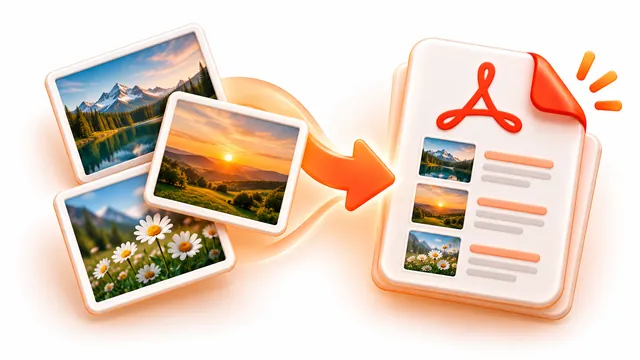
Turn PDF pages into JPG, PNG or WebP images at up to 300 DPI. ZIP download.
How to use PDF to JPG / PNG
Save PDF pages as pictures. Choose the format and resolution, convert the whole document or only the pages you list, and download the images individually or as a ZIP.
- Add a PDF.
- Choose JPG, PNG or WebP, the resolution (72 to 300 DPI) and, optionally, which pages.
- Press Convert pages to images and download the result.
Frequently asked questions
- What resolution should I choose?
- 150 DPI suits most screens and sharing; 300 DPI is better for printing. Higher values make larger files.
- Can I convert only some pages?
- Yes. Enter a range such as 1-3, 7 to convert only those pages.
- Is the PDF uploaded?
- No. Pages are rendered in your browser and never leave your device.