Merge PDF Files
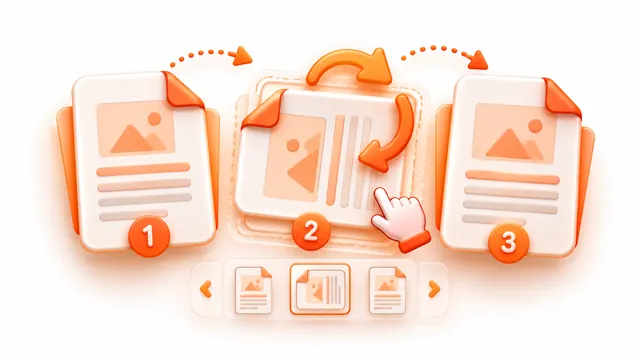
Combine several PDFs into one. Drag to reorder before merging.
How to use Merge PDFs
Join two or more PDFs into a single document in the order you choose. The merge runs in your browser, so contracts, bills and other private documents are never uploaded.
- Add the PDF files you want to combine.
- Drag the files (or use the arrows) into the order you want.
- Press Merge PDFs and download the combined file.
Frequently asked questions
- How do I combine PDF files into one?
- Add the files, put them in order and press Merge PDFs. The combined PDF keeps every page of every file.
- Is there a page or file limit?
- Up to 100 files per batch, each up to 150 MB, depending on your device's memory.
- Will password-protected PDFs work?
- No. Encrypted PDFs need their password removed first; the tool tells you which file is the problem.