Crop, Rotate & Resize Image
Crop with a draggable box, rotate, flip and resize a single image, then export.
How to use Crop, Rotate & Resize
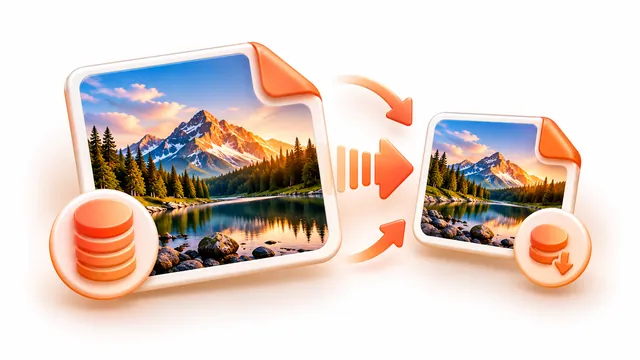
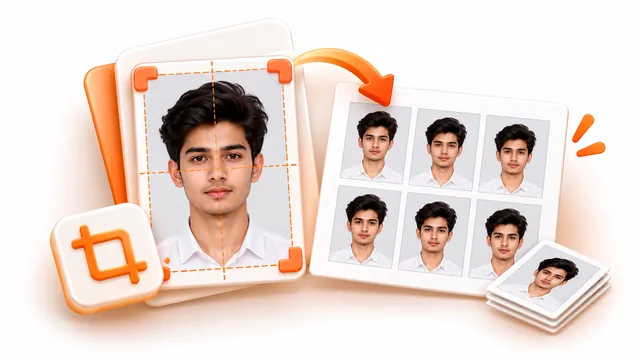
Edit a photo without installing anything. Drag the crop box, pick a ratio such as 1:1 or 16:9, rotate or flip the picture, set exact pixel dimensions and export it in the format and file size you need.
- Choose a photo from your device.
- Drag the crop box or type exact values, rotate or flip the image, and set the output width and height.
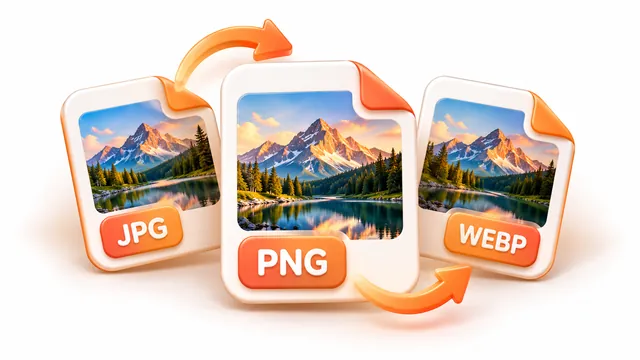
- Pick JPG, PNG or WebP (with an optional maximum file size) and press Apply edits, then download.
Frequently asked questions
- Can I crop to an exact ratio?
- Yes. Presets such as 1:1, 4:3, 3:2 and 16:9 lock the crop box to that ratio.
- Does resizing keep the proportions?
- By default the aspect ratio is locked. Untick the option to set width and height independently.
- Is the picture sent to a server?
- No. All editing happens in your browser.