Compress PDF
Make PDFs smaller in your browser. Light (keeps text) or strong (re-renders pages).
How to use Compress PDF
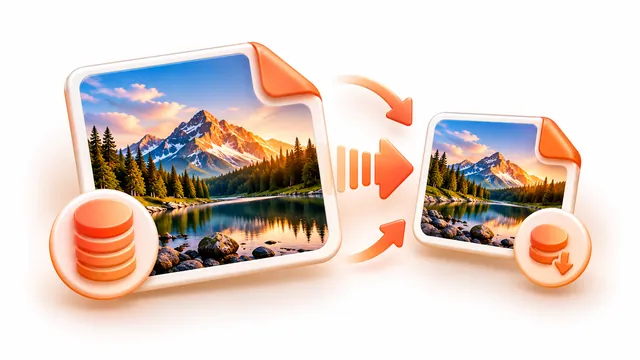
Shrink a PDF so it fits an email or an upload limit. Strong compression re-renders pages as compressed images and can reduce scans dramatically, light compression keeps text and links, and you can type the exact size you need in KB or MB.
- Add one or more PDFs.
- Choose light or strong compression, or enter a target size such as 500 KB or 2 MB.
- Press Compress PDFs and download each file or a ZIP.
Frequently asked questions
- How can I reduce a PDF to a specific size?
- Type the size in the custom size box. The tool lowers the image quality step by step until the PDF fits, or tells you if it can't get that small.
- Will compression remove my text?
- Strong compression turns pages into images, so text can no longer be selected. Light compression keeps text but saves little.
- What if the file doesn't get smaller?
- The original is kept and you are told, so you never end up with a larger file.