ID Card to PDF: Both Sides on One A4 Page
Photograph or upload both sides of an ID, auto-crop, and get one A4 page as PDF, JPG or PNG.
How to use ID Card to PDF
Create a clean photocopy-style page from phone photos of an ID card. Take each side with your camera or pick it from your gallery, let the card be cropped automatically, adjust the crop if needed, and download one A4 page with the front above the back.
- Choose single side or both sides.
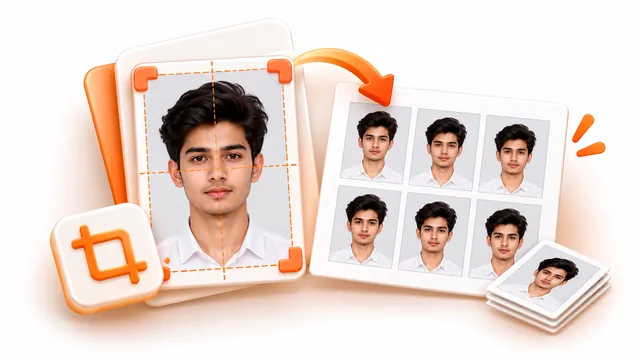
- For each side, take a photo with your camera or choose one from your gallery, then check the automatic crop and drag the corners if needed.
- Pick PDF, JPG, PNG or WebP, optionally set a maximum file size, and download your A4 page.
Frequently asked questions
- Can I put the front and back on the same page?
- Yes. Choose both sides and they are placed one above the other on a single A4 (or Letter) page at actual card size.
- How does the automatic crop work?
- The tool looks for the card against its background and draws a crop box around it. You can drag the corners, rotate, or straighten a tilted photo.
- Is my ID photo uploaded?
- No. The photos stay on your device and are processed in your browser.