Split PDF & Extract Pages
Extract pages, split by ranges, every page, or every N pages. ZIP download.
How to use Split & Extract Pages
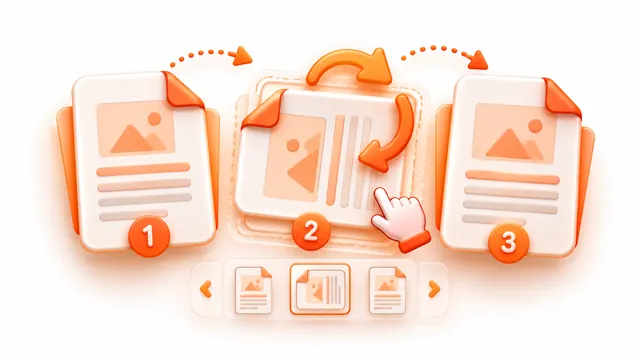
Pull the pages you need out of a long PDF. Click page thumbnails or type ranges such as 1-3, 5, 8-, then save them as one new PDF, as separate files, or as equal parts.
- Add a PDF and wait for the page thumbnails.
- Choose Extract pages, Split by ranges, Every page or Every N pages, and select the pages.
- Press the button and download the new PDF or a ZIP of all parts.
Frequently asked questions
- How do I extract specific pages from a PDF?
- Pick Extract pages, click the pages you want (or type a range such as 2-3, 5) and download the new PDF.
- Can I save every page as its own PDF?
- Yes. Choose Every page and download all the single-page PDFs in one ZIP.
- Does splitting reduce quality?
- No. Pages are copied as they are, without re-rendering.